Record Series Configuration Options
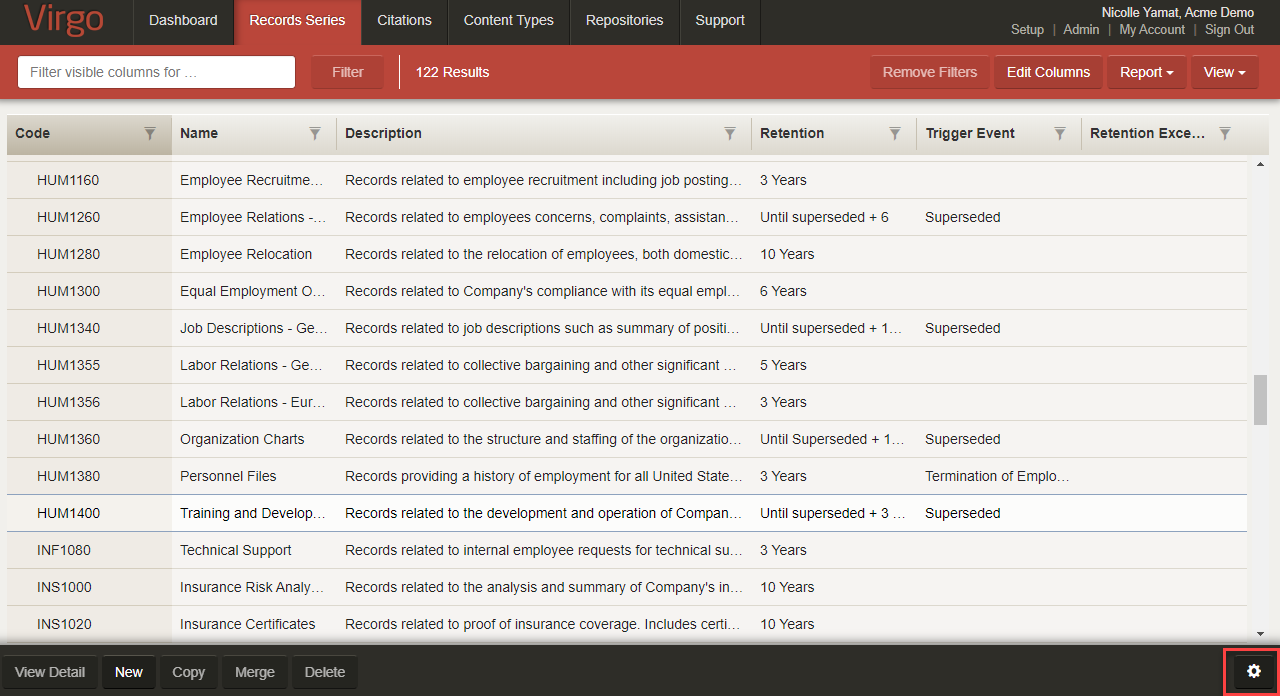
To view the gear icon to enable or disable record series configuration options, hover your mouse over the image.
 This Knowledge Base topic includes the following sections:
 Hierarchy
Select Yes to let you drag-and-drop record series onto one another and create a hierarchical structure. Also enables the Parent Record Series field on the record series detail screen.
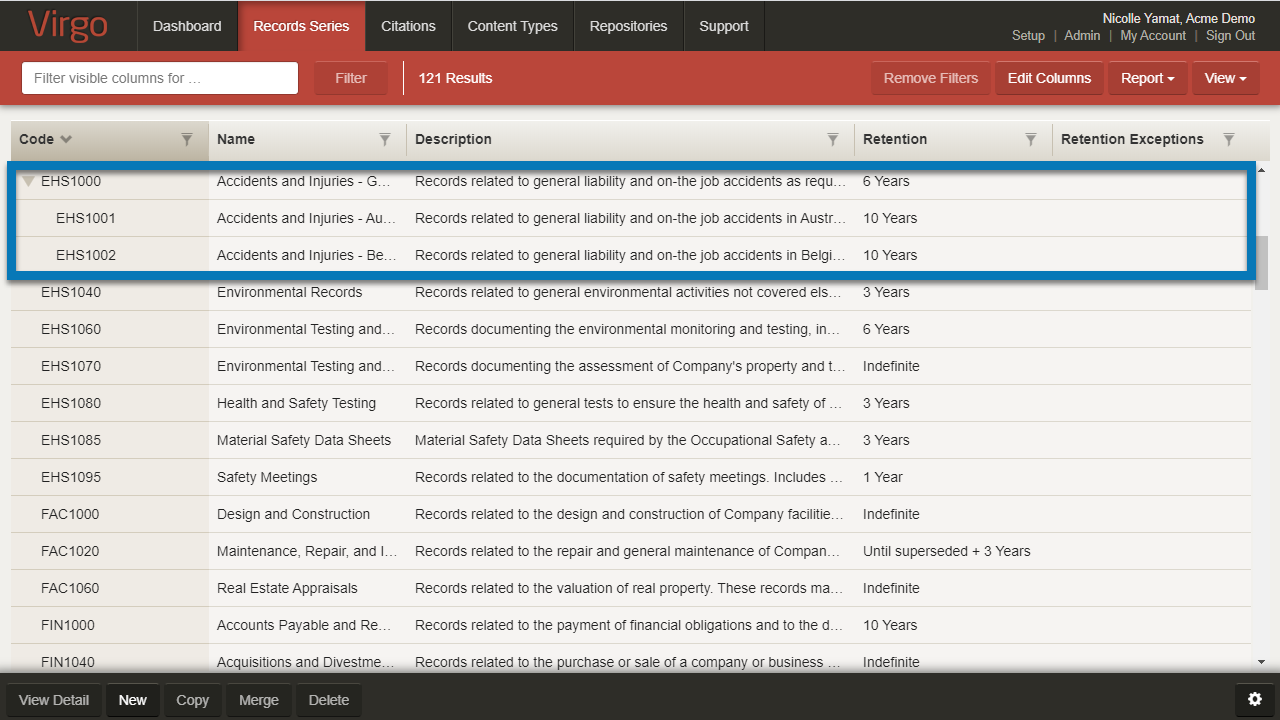
To view a record series hierarchy, hover your mouse over the image.
You can select or change the Parent Record Series field value on the record series detail screen.
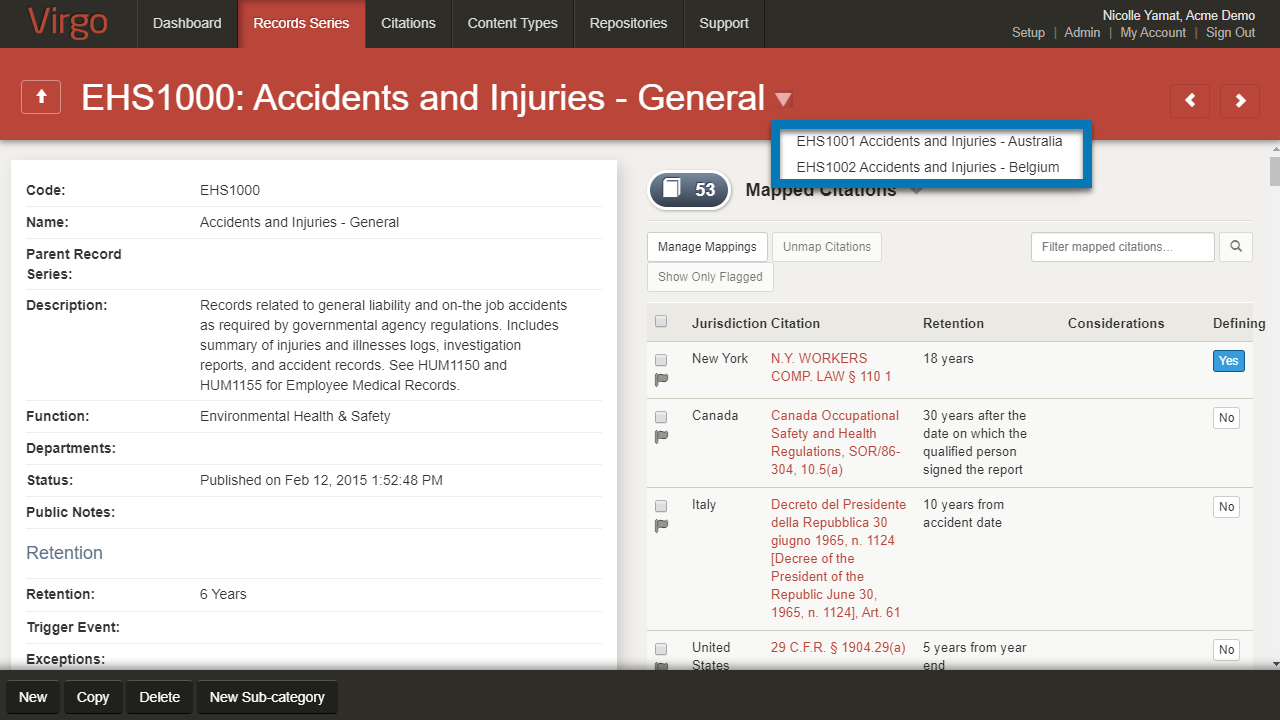
To view record series hierarchy with the record series detail view, hover your mouse over the image.
Text Retention
For retention, you have the option to display either a single, free-text Retention field or separate duration and units fields.
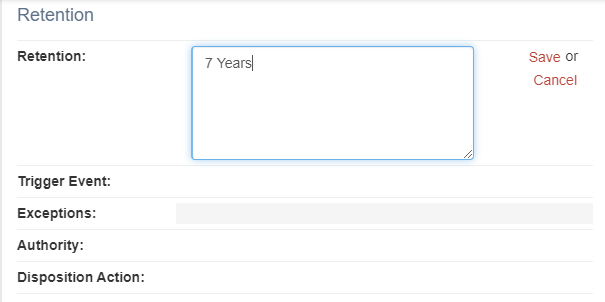
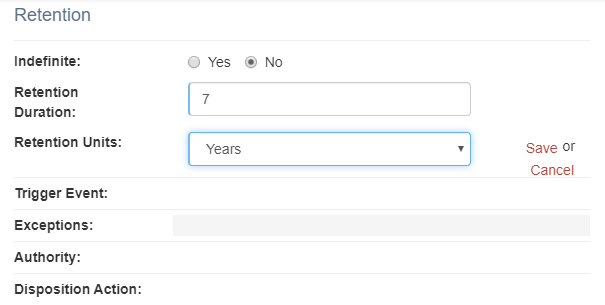
To view an example of controlled retention input, hover you mouse over the images.
Select Yes to make the Retention field a free text field on the record series detail screen. Select No to replace the Retention field with these fields: Retention Duration and Retention Units.
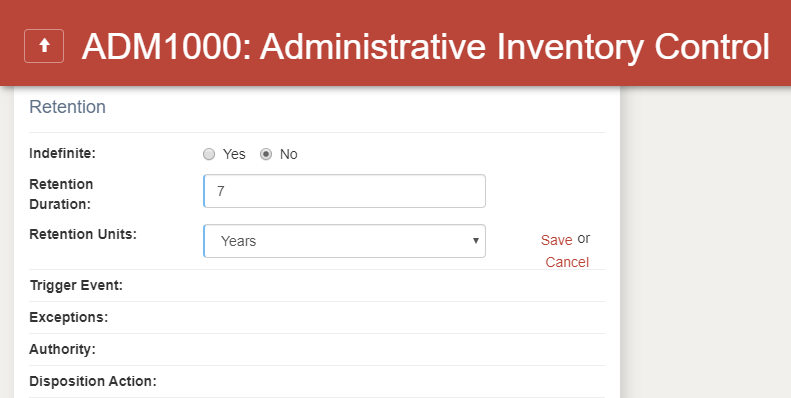
To view an example of text retention, hover your mouse over the image.
Maximum Retention
Select Yes to display these fields on the record series detail screen: Maximum Retention Duration and Maximum Retention Units.
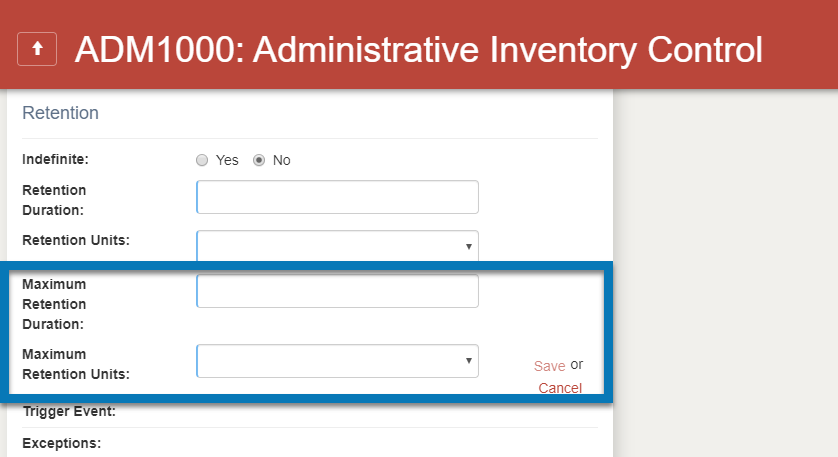
To view an example of Maximum Retention, hover your mouse over the image.
Indefinite Text
When you display separate fields for retention, the Indefinite field can indicate indefinite or permanent retention. The default label for the Indefinite field is the word Indefinite, but you can change to Permanent or any other value.
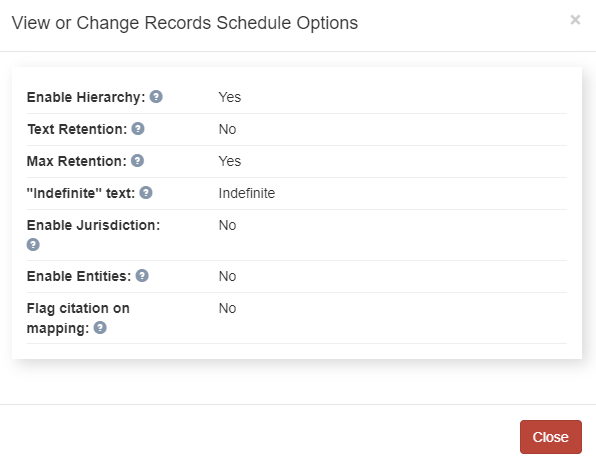
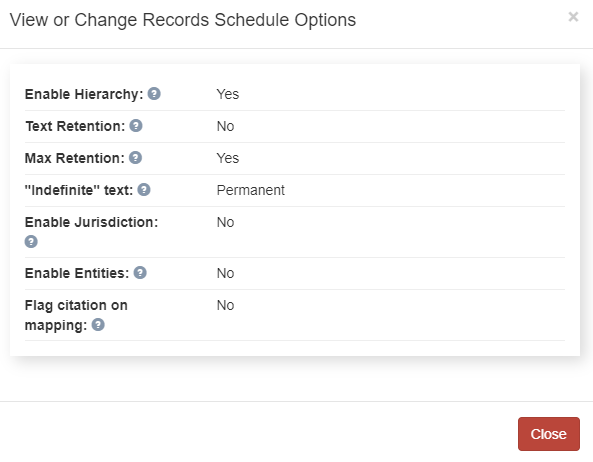
To view an example of changing indefinite text to permanent, hover your mouse over the images.
Enable Jurisdiction
You can assign a jurisdiction to a record series for searching, filtering, and reporting. You can also select Enable Jurisdiction to display the Jurisdiction column on the Record Series tab and Details.
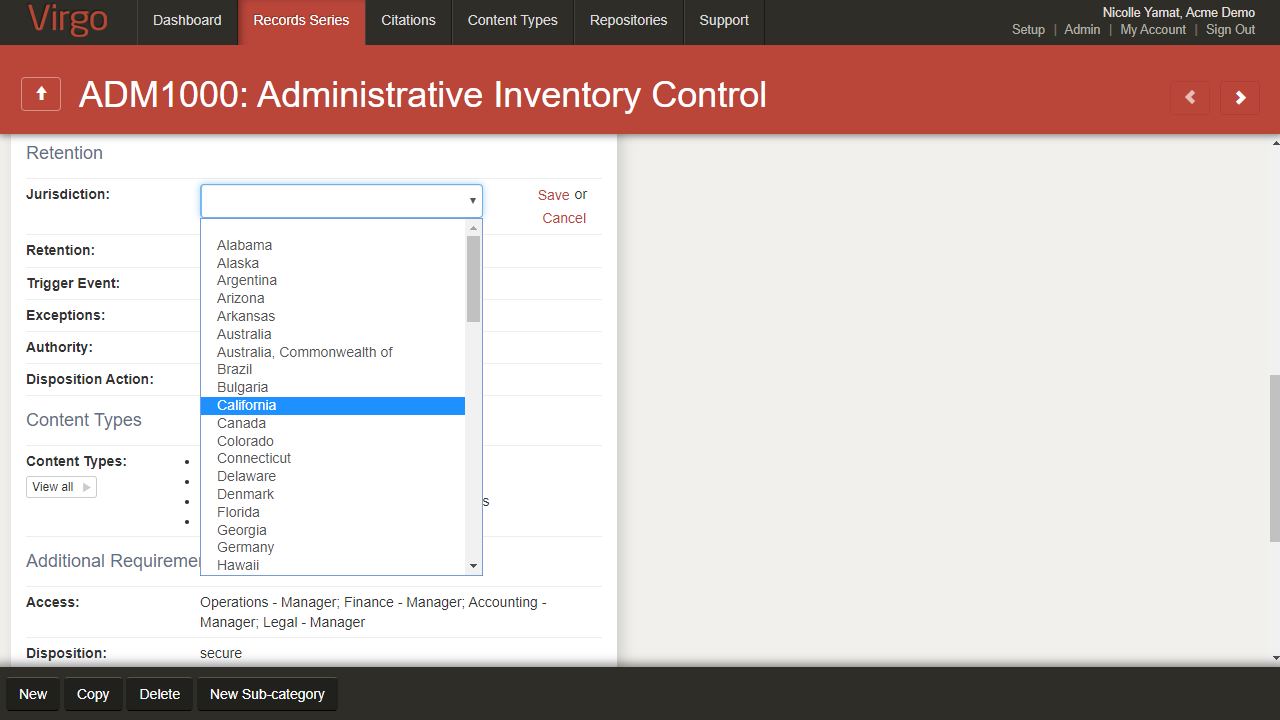
To view jurisdictions within the record series detail view, hover your mouse over the image.
You can also find the Jurisdiction field in the repositories detail screen.
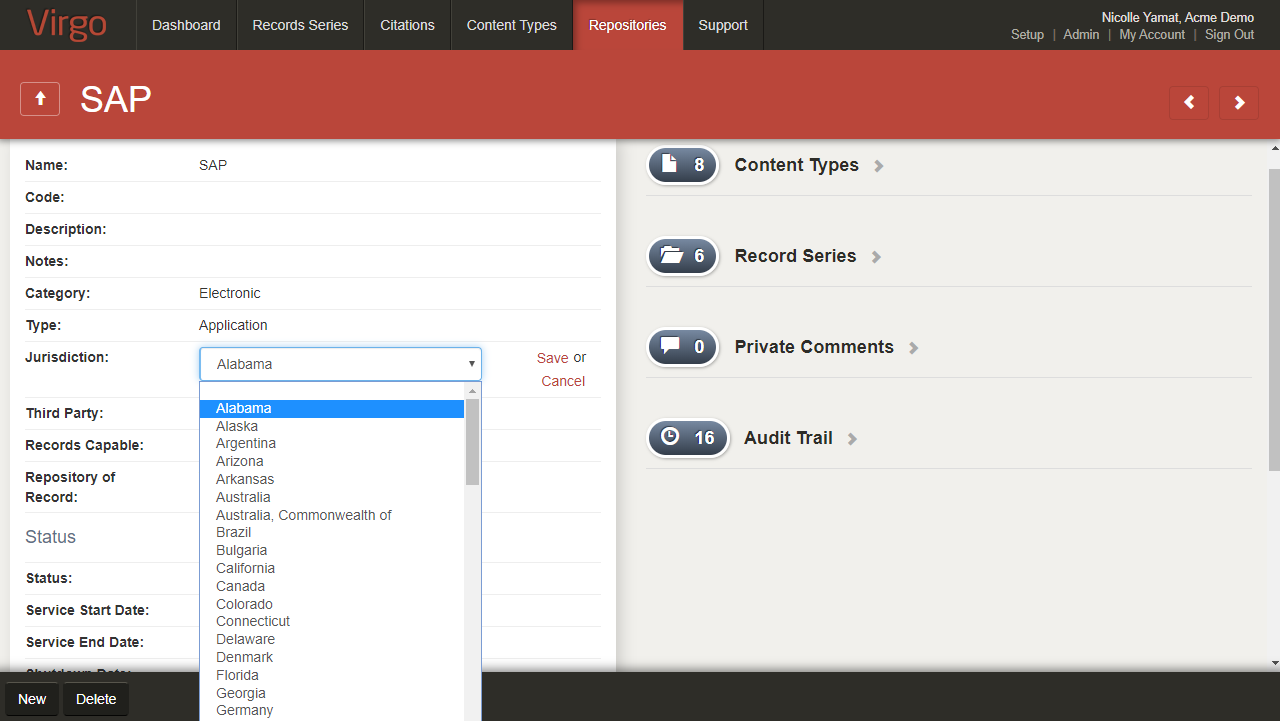
To view Jurisdictions field within the repositories detail view, hover your mouse over the image.
Enable Entities
You can select Enable Entities to display the Entities column on the Record Series tab and Details.
You can also add new entities on the Entities tab on the Setup screen.
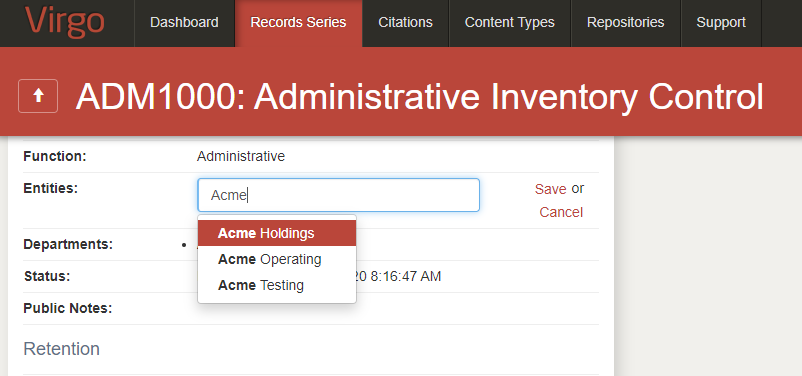
To view Entities field within the record series detail view, hover your mouse over the image.
Flag Citation on Mapping
You can select Flag citation on mapping to automatically flag newly mapped citations for review.
"Global" text
If the Hierarchical Exceptions feature is enabled, you can change the Viewing as button label from Global (all jurisdictions) to another term.
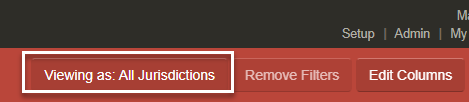
To change the Viewing as button label
-
Click the gear icon
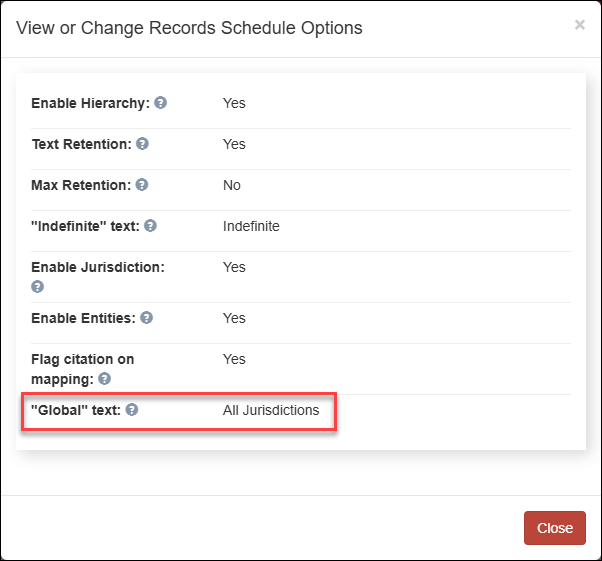
 in the lower right corner of the Record Series tab. The View or Change Records Schedule Options page displays.
-
In the "Global" text field, enter the new Viewing as button label (100 characters maximum).
-
Click Save.
-
Click Close.
The Viewing as button on the Record Series page and the Employee Portal displays the new term.
The Jurisdiction field also displays the new term for any record series applied to all jurisdictions.
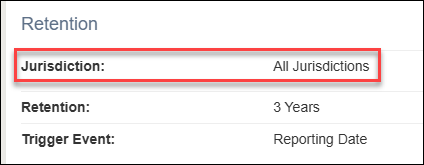
The new term also displays in reports that include the Jurisdiction field.